


DTECH USB 2.0 to Male RS232 DB9 Serial Port Adapter Data Cables with Indicator Light for Programming Tax Control Machine
DTECH USB 2.0 to Male RS232 DB9 Serial Port Adapter Data Cables with Indicator Light
for Programming Tax Control Machine
Ⅰ. Product Parameters
| Product Name | USB 2.0 to RS232 Serial Cable |
| Model | DT-5011 |
| Product Chip | UK FT232RL+US SP213 |
| Product Material | Eco-friendly PVC transparent material |
| Compatibility Standard | Interface compatible with EIA/TIA RS-232 standard |
| Baud Rate | 300bps~460800bps, automatic detection of serial port signal speed |
| USB Signal | VCC, DATA+, DATA -, GND |
| RS-232 Signal | DCD, RXD, TXD, DTR, GND, DSR, RTS, CTS, RI |
| Interface Description | USB A male, RS-232 interface: DB9 pin |
| Signal Indication |
①Power: red light ②Send data: green light ③Receive data: yellow light |
| Communication Distance |
0.5-5m |
| Support System |
Compatible with WIN11/10/8/8.1/7, Server 2008, XP, Vista, Linux and other systems. |
| Power Supply Method | USB power supply |
| Voltage Range | 5V |
| Cable Length | 0.5m/1m/1.2m/1.5m/2m |
| Warranty | 1 Year |
Ⅱ. Product Description
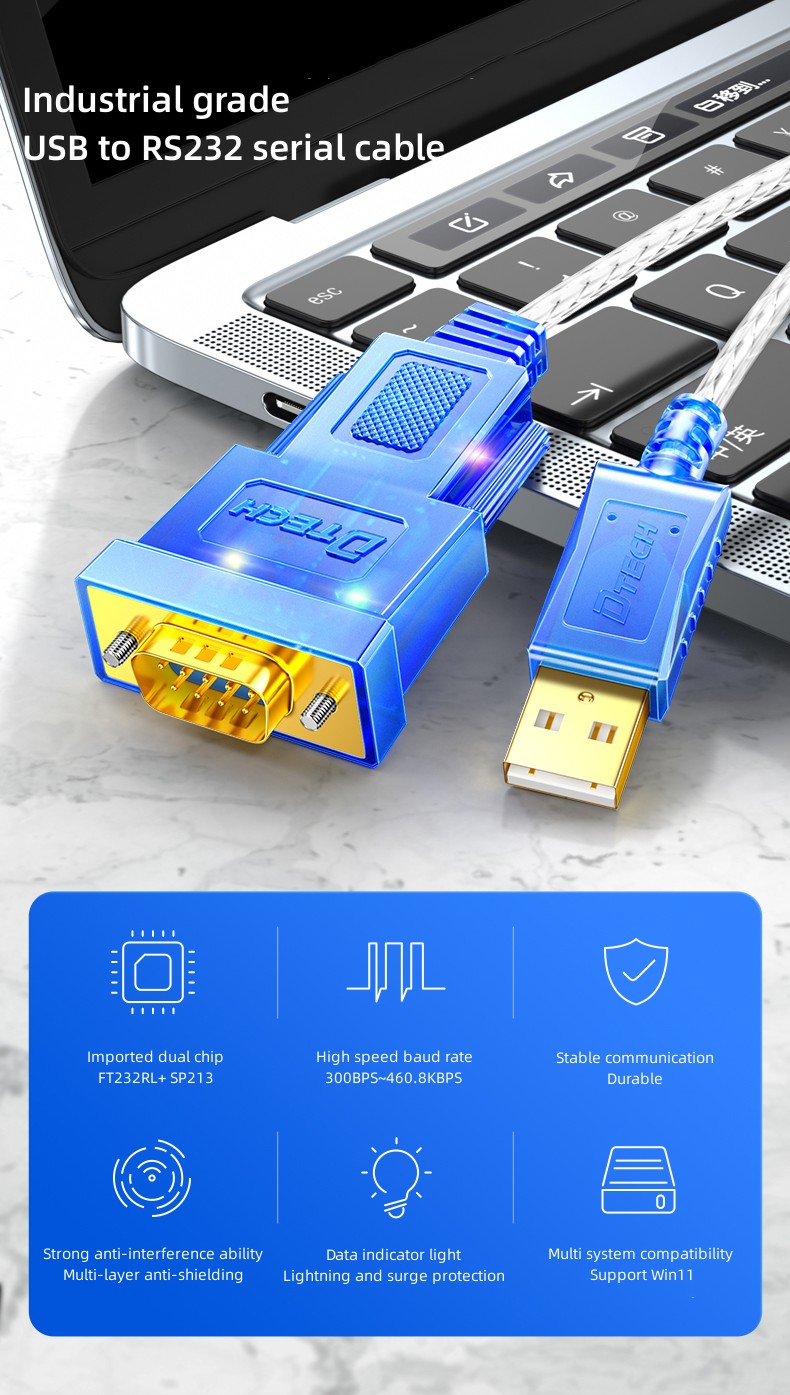
Industrial grade
USB to RS232 serial cable
① Imported dual chip
FT232RL+ SP213
② High speed baud rate
300BPS~460.8KBPS
③ Stable communication
Durable
④ Strong anti-interference ability
Multi-layer anti-shielding
⑤ Data indicator light
Lightning and surge protection
⑥ Multi system compatibility
Support Win11
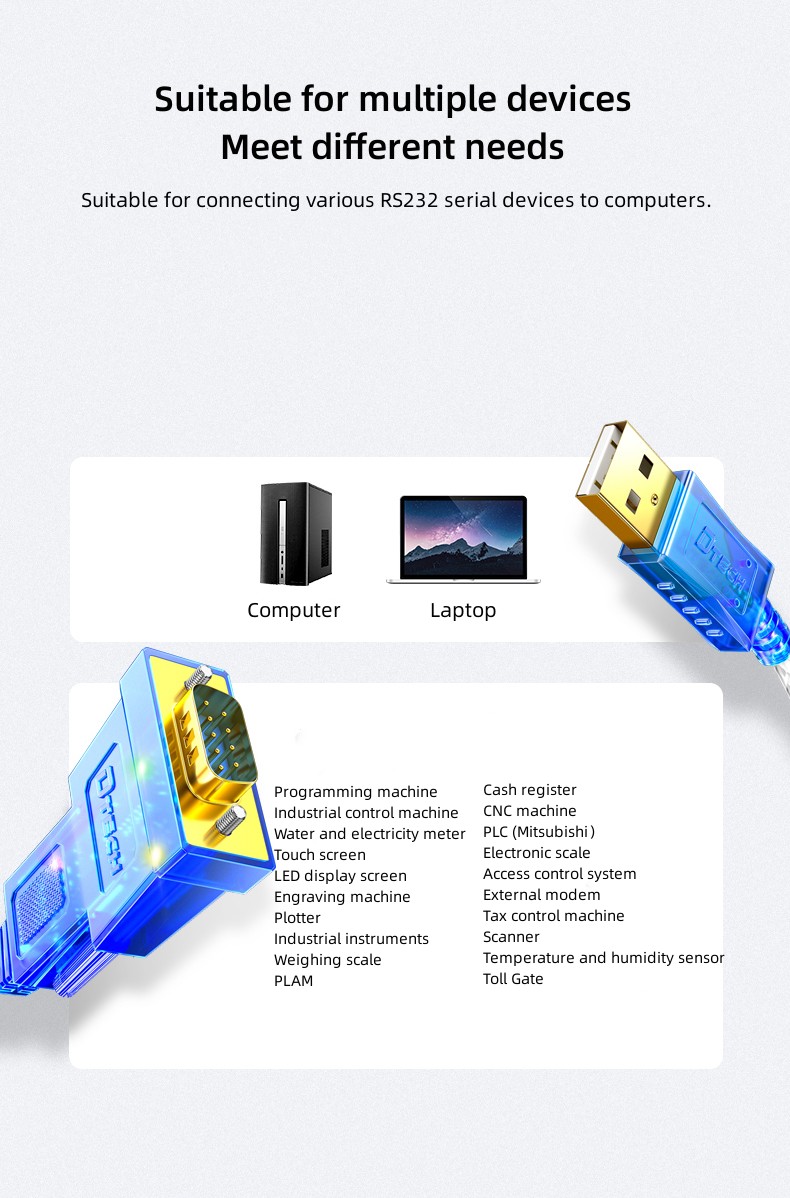
Suitable for multiple devices
Meet different needs
Suitable for connecting various RS232 serial devices to computers.
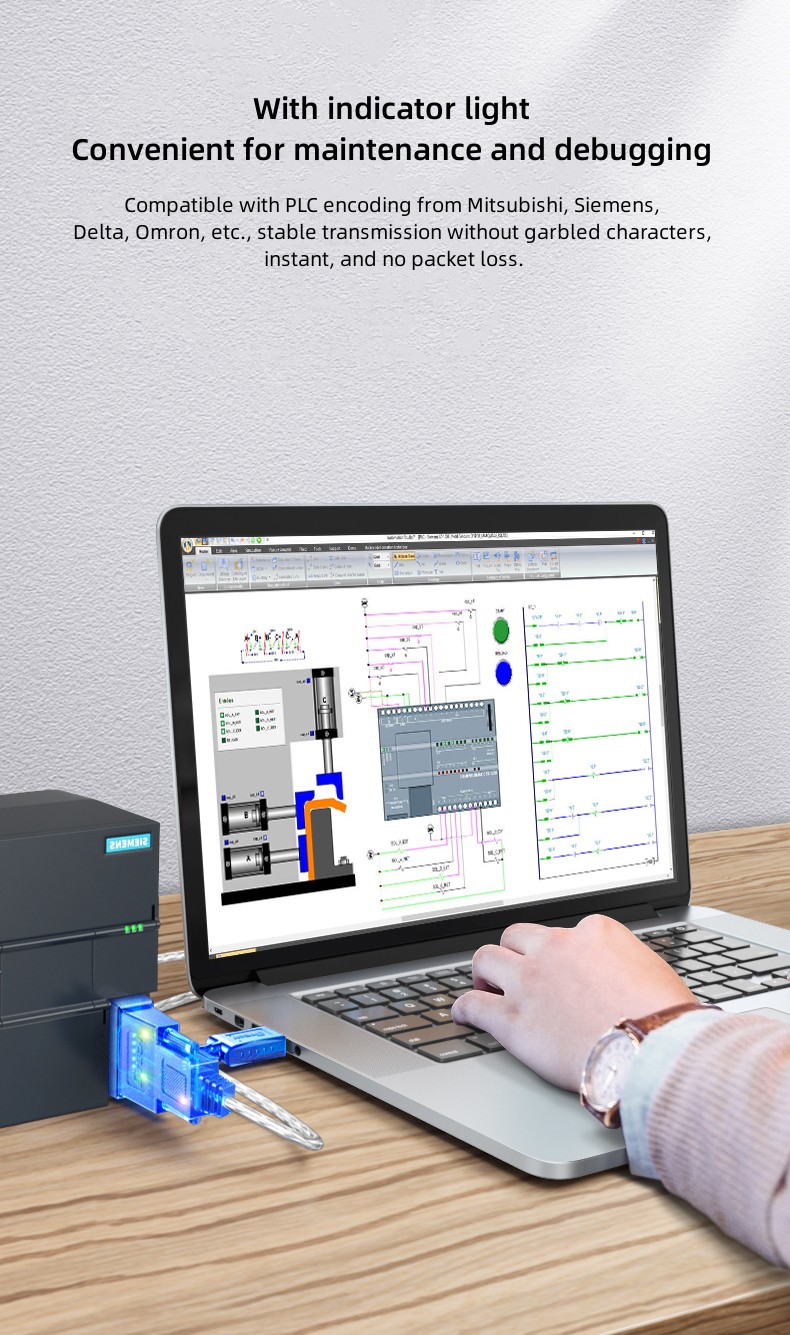
With indicator light
Convenient for maintenance and debugging
Compatible with PLC encoding from Mitsubishi, Siemens, Delta, Omron, etc., stable transmission without garbled characters, instant, and no packet loss.
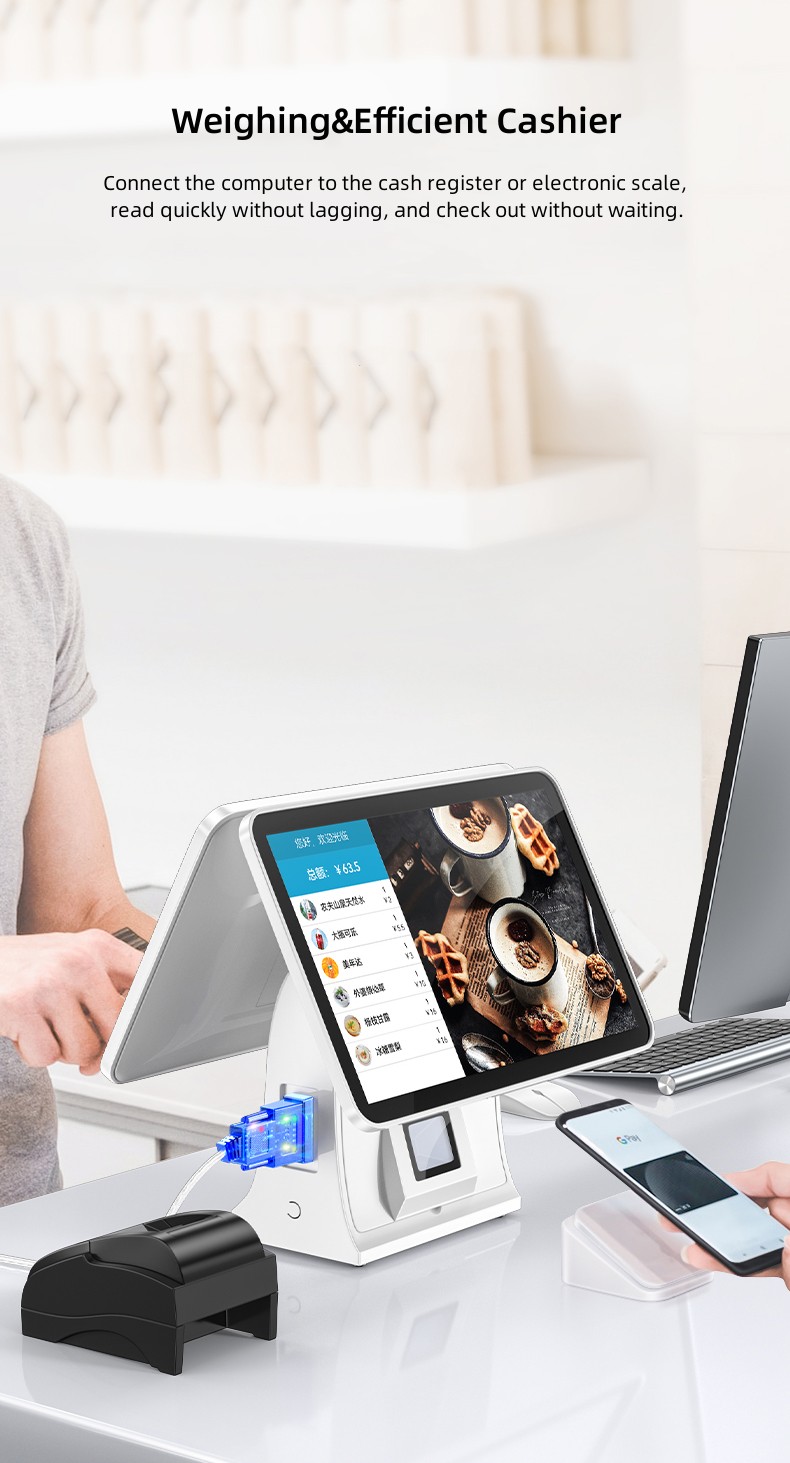
Weighing&Efficient Cashier
Connect the computer to the cash register or electronic scale, read quickly without lagging, and check out without waiting.
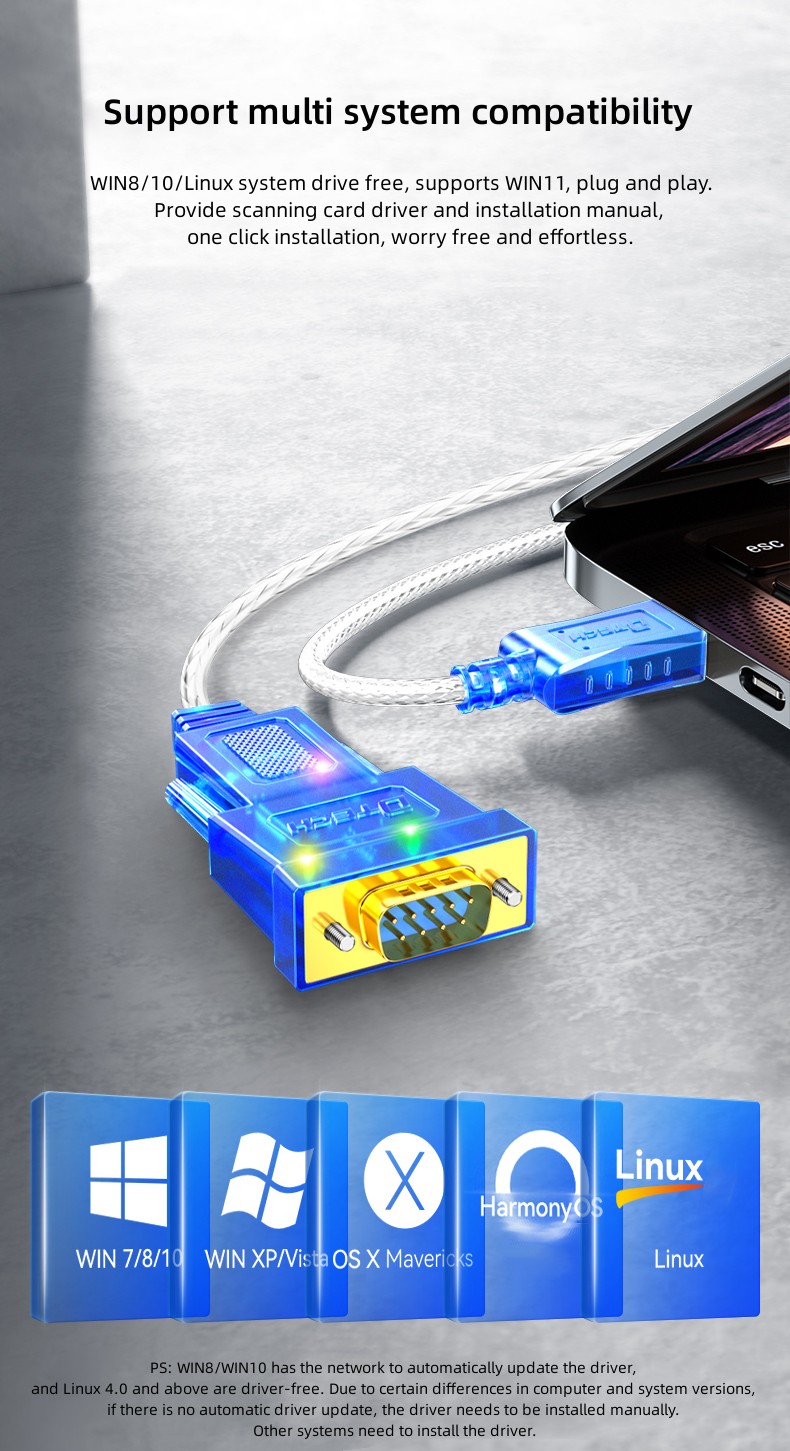
Support multi system compatibility
WIN8/10/Linux system drive free, supports WIN11, plug and play. Provide scanning card driver and installation manual, one click installation, worry free and effortless.
PS: WIN8/WIN10 has the network to automatically update the driver, and Linux 4.0 and above are driver-free. Due to certain differences in computer and system versions,
if there is no automatic driver update, the driver needs to be installed manually. Other systems need to install the driver.
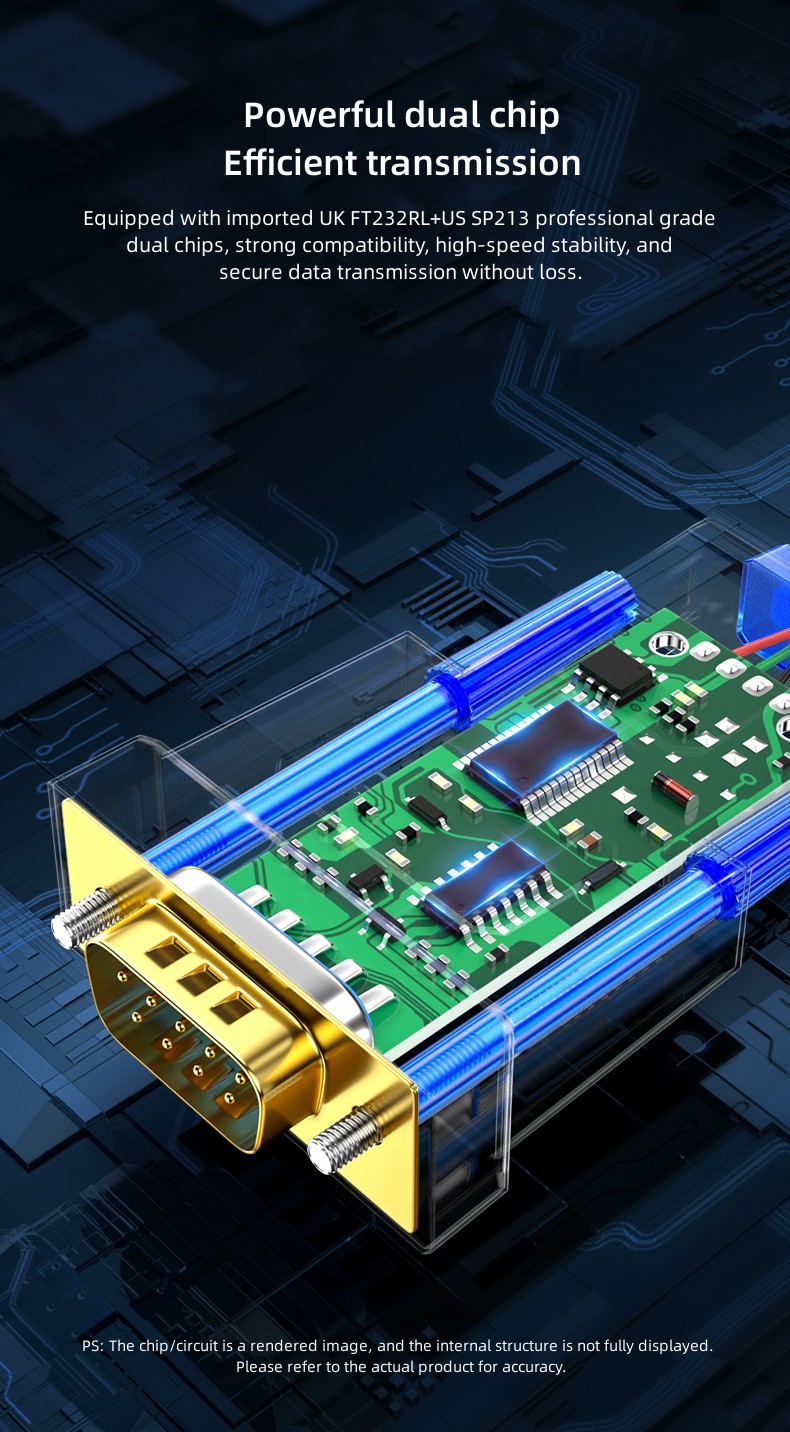
Powerful dual chip
Efficient transmission
Equipped with imported UK FT232RL+US SP213 professional grade dual chips, strong compatibility, high-speed stability, and secure data transmission without loss.
PS: The chip/circuit is a rendered image, and the internal structure is not fully displayed. Please refer to the actual product for accuracy.
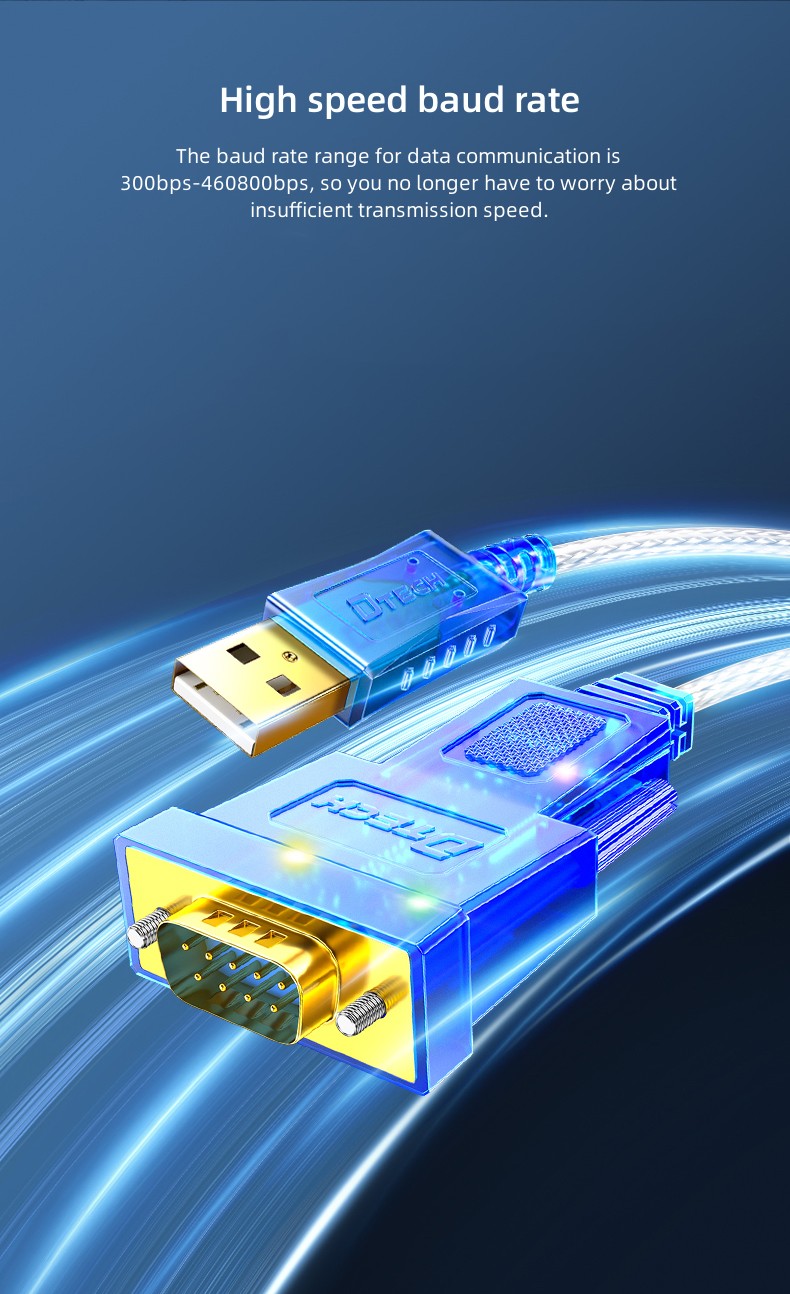
High speed baud rate
The baud rate range for data communication is 300bps-460800bps, so you no longer have to worry about insufficient transmission speed.
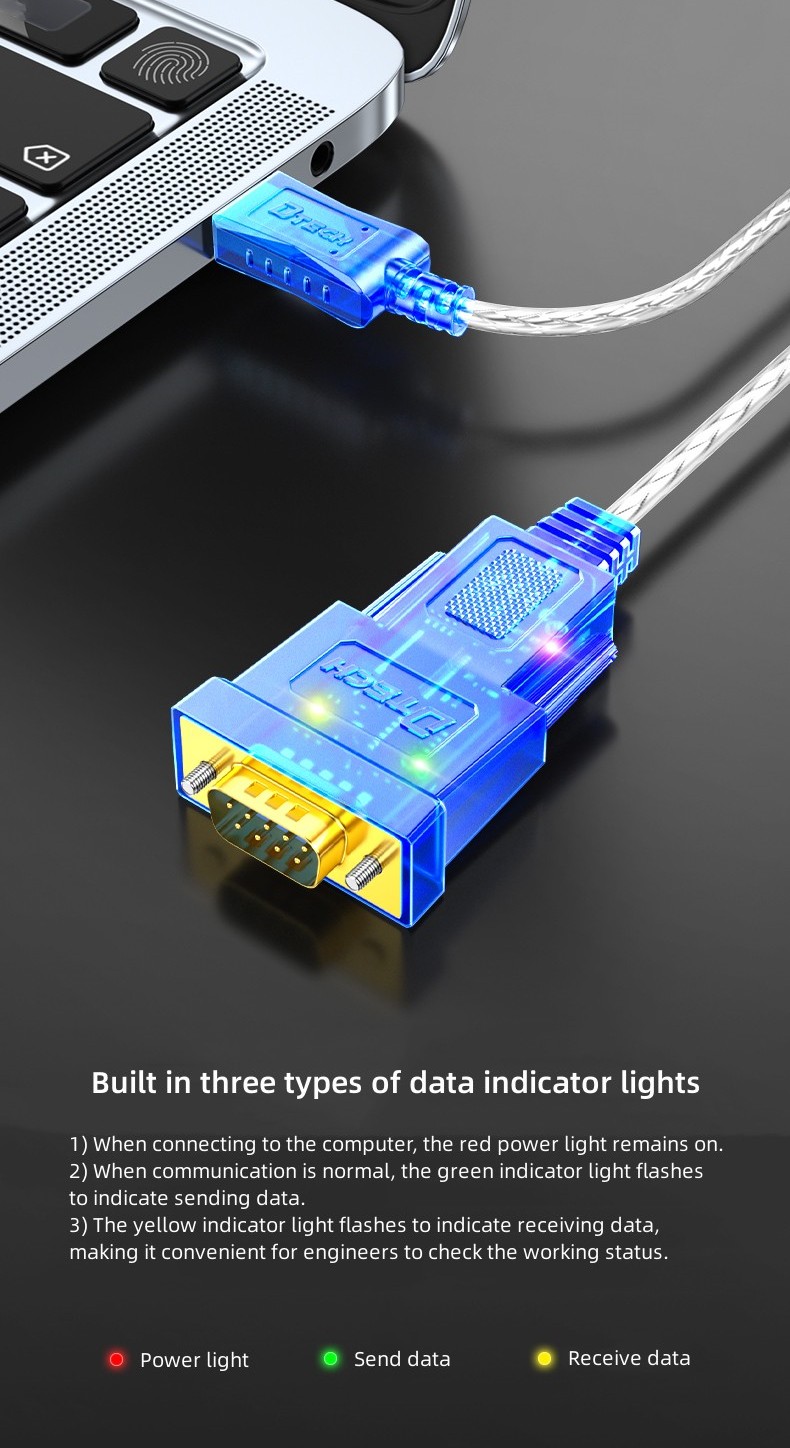
Built in three types of data indicator lights
1) When connecting to the computer, the red power light remains on.
2) When communication is normal, the green indicator light flashes to indicate sending data.
3) The yellow indicator light flashes to indicate receiving data, making it convenient for engineers to check the working status.
Anti-interference
More stable signal
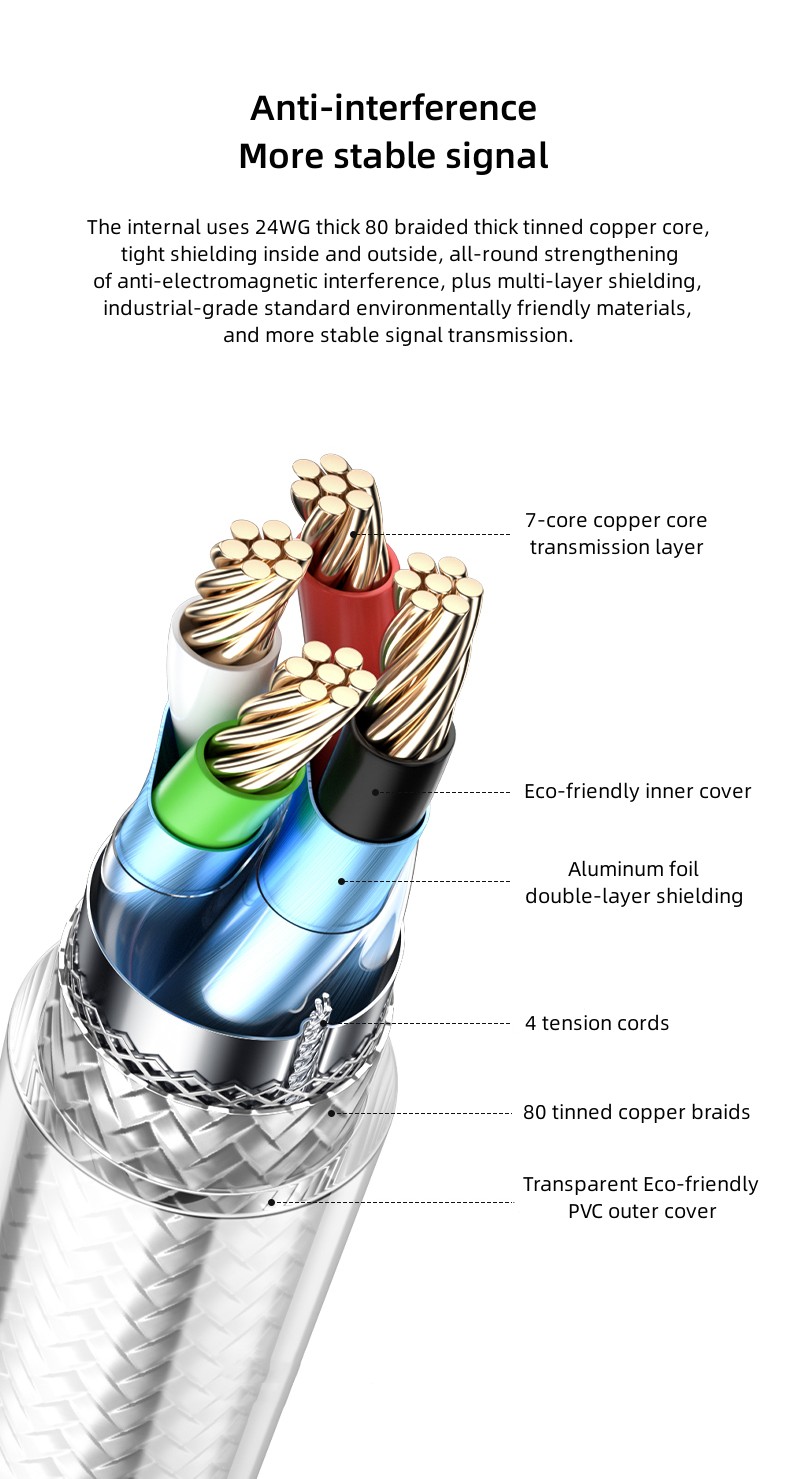
The internal uses 24WG thick 80 braided thick tinned copper core, tight shielding inside and outside, all-round strengthening of anti-electromagnetic interference,
plus multi-layer shielding, industrial-grade standard environmentally friendly materials, and more stable signal transmission.
①7-core copper core transmission layer
②Eco-friendly inner cover
③Aluminum foil double-layer shielding
④4 tension cords
⑤80 tinned copper braids
⑥Transparent Eco-friendly PVC outer cover
Powerful performance
More technical support
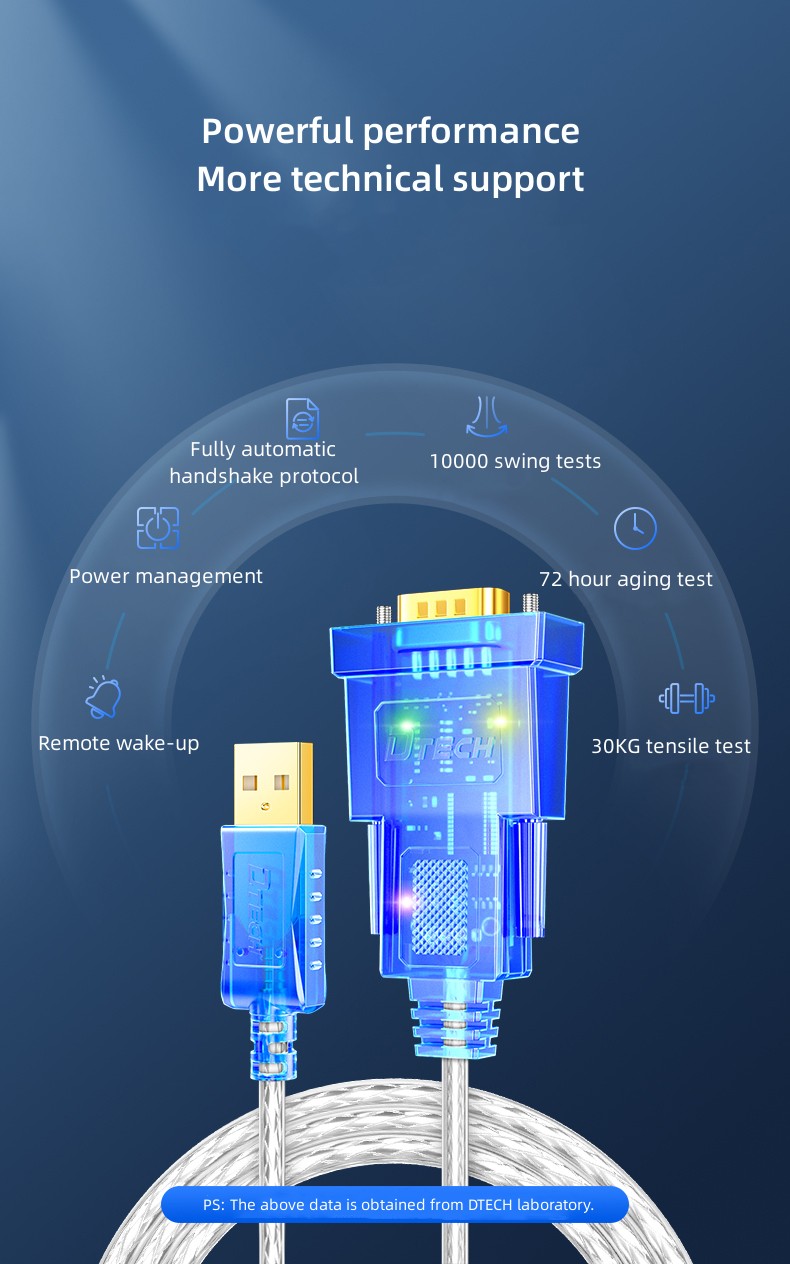
①Remote wake-up
②Power management
③Fully automatic handshake protocol
④10000 swing tests
⑤72 hour aging test
⑥30KG tensile test
PS: The above data is obtained from DTECH laboratory.

Double certification
Quality assurance
CMA/CNAS/CE certified, strict quality inspection, visible professionalism.
Port settings
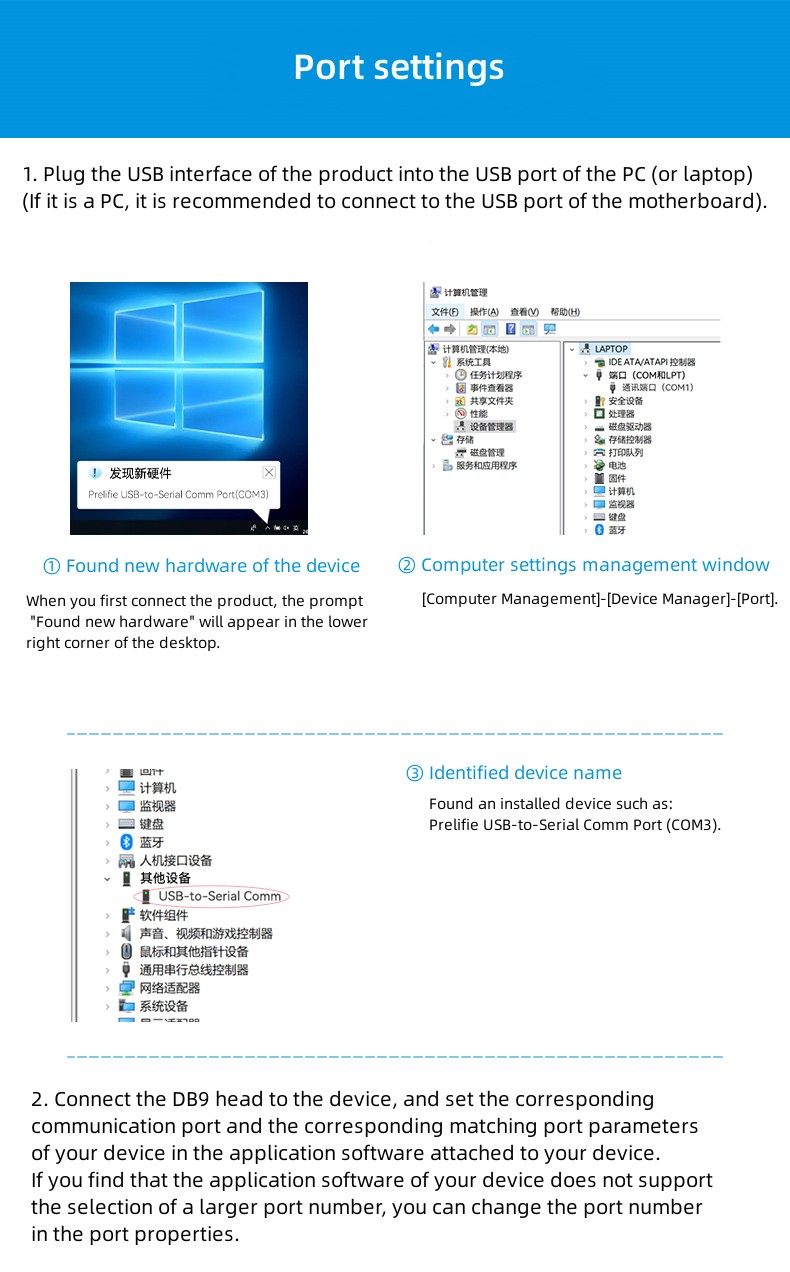
1. Plug the USB interface of the product into the USB port of the PC (or laptop) (if it is a PC, it is recommended to connect to the USB port of the motherboard).
① Found new hardware of the device
When you first connect the product, the prompt “Found new hardware” will appear in the lower right corner of the desktop.
② Computer settings management window
[Computer Management]-[Device Manager]-[Port].
③ Identified device name
Found an installed device such as: Prelifie USB-to-Serial Comm Port (COM3).
2. Connect the DB9 head to the device, and set the corresponding communication port and the corresponding matching port parameters of your device in
the application software attached to your device. If you find that the application software of your device does not support the selection of a larger port number,
you can change the port number in the port properties.
Port change
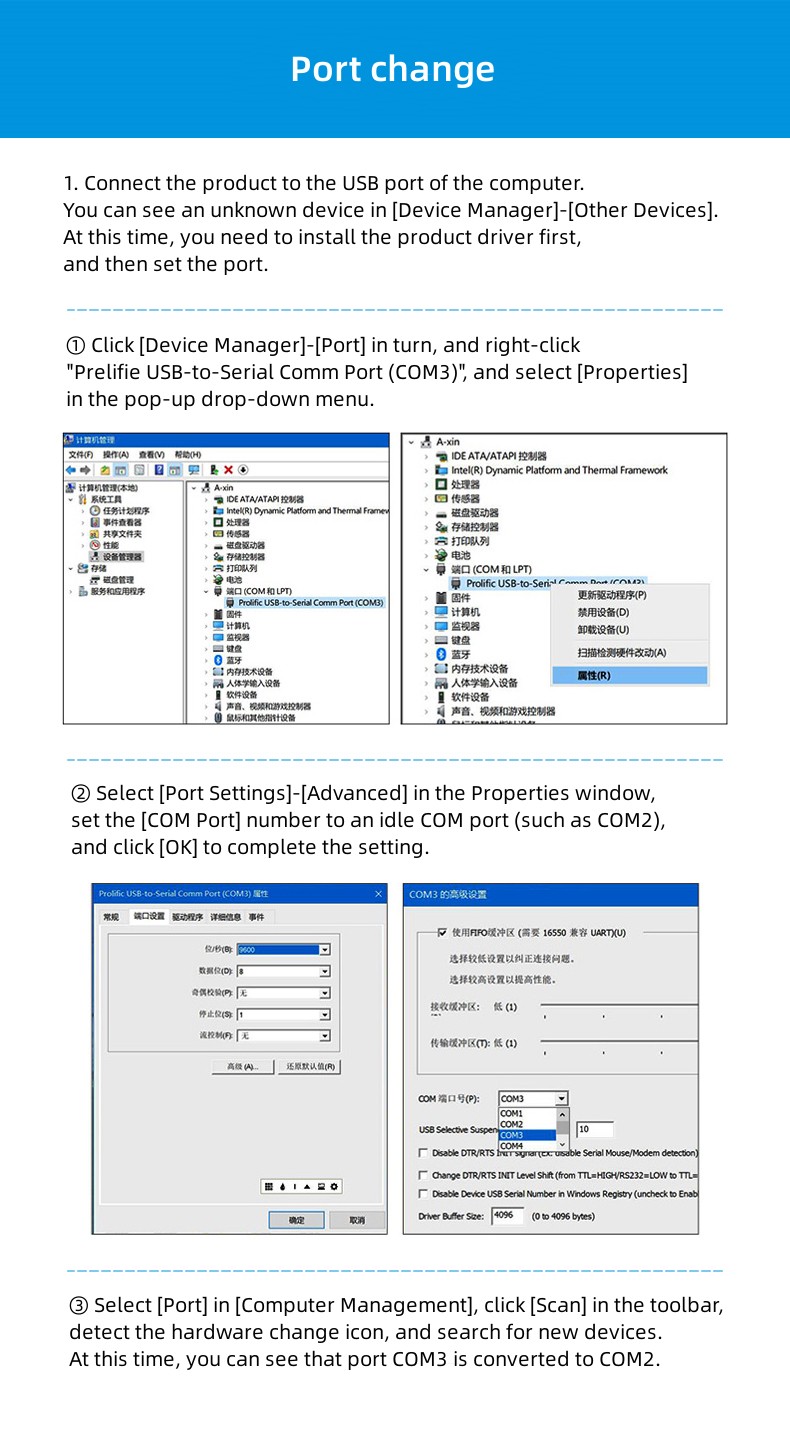
1. Connect the product to the USB port of the computer. You can see an unknown device in [Device Manager]-[Other Devices]. At this time, you need to install the product driver first, and then set the port.
① Click [Device Manager]-[Port] in turn, and right-click “Prelifie USB-to-Serial Comm Port (COM3)”, and select [Properties] in the pop-up drop-down menu.
② Select [Port Settings]-[Advanced] in the Properties window, set the [COM Port] number to an idle COM port (such as COM2), and click [OK] to complete the setting.
③ Select [Port] in [Computer Management], click [Scan] in the toolbar, detect the hardware change icon, and search for new devices. At this time, you can see that port COM3 is converted to COM2.
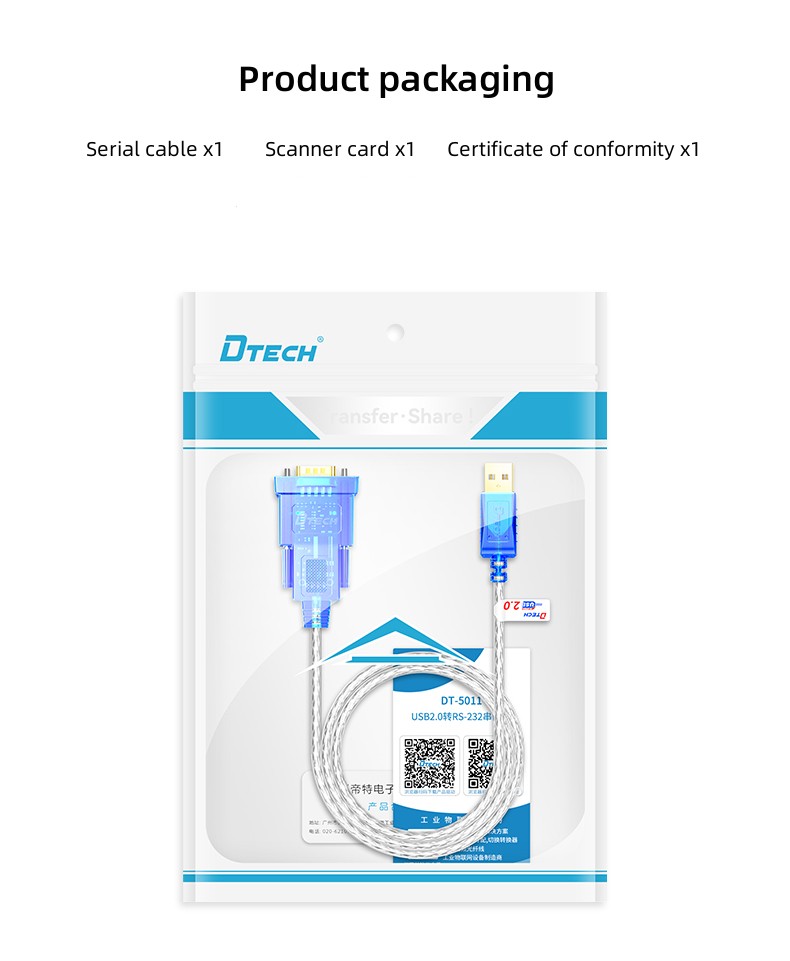
Ⅲ. Product Packaging

Products categories
-
Cable Converter Usb To Rs232 Rs485 To Ethernet ...
-
DTECH 0.5m 1m 1.5m 2m 3m 300bps~460800bps Type ...
-
DTECH 3m USB 2.0 To RS232 9 Pin Play and Plug C...
-
DTECH DB9 Male Serial Converter Adapter Cable S...
-
DTECH DB9 Adapter Computer Serial Converter USB...
-
DTECH 4km Long Range Wireless Serial TPUNB Tran...
